Every Eye lets you use direct billing to apply your vision insurance online, so you save right at checkout.

Login to your Every Eye account. If you do not have an account, please create one before continuing.

Choose your favorite frame and select the lens option that suits your prescription. Non-prescription users may skip this step.
Browse Frames
Go to the insurance section and complete the form. Important: Enter your promo code before submitting your claim.
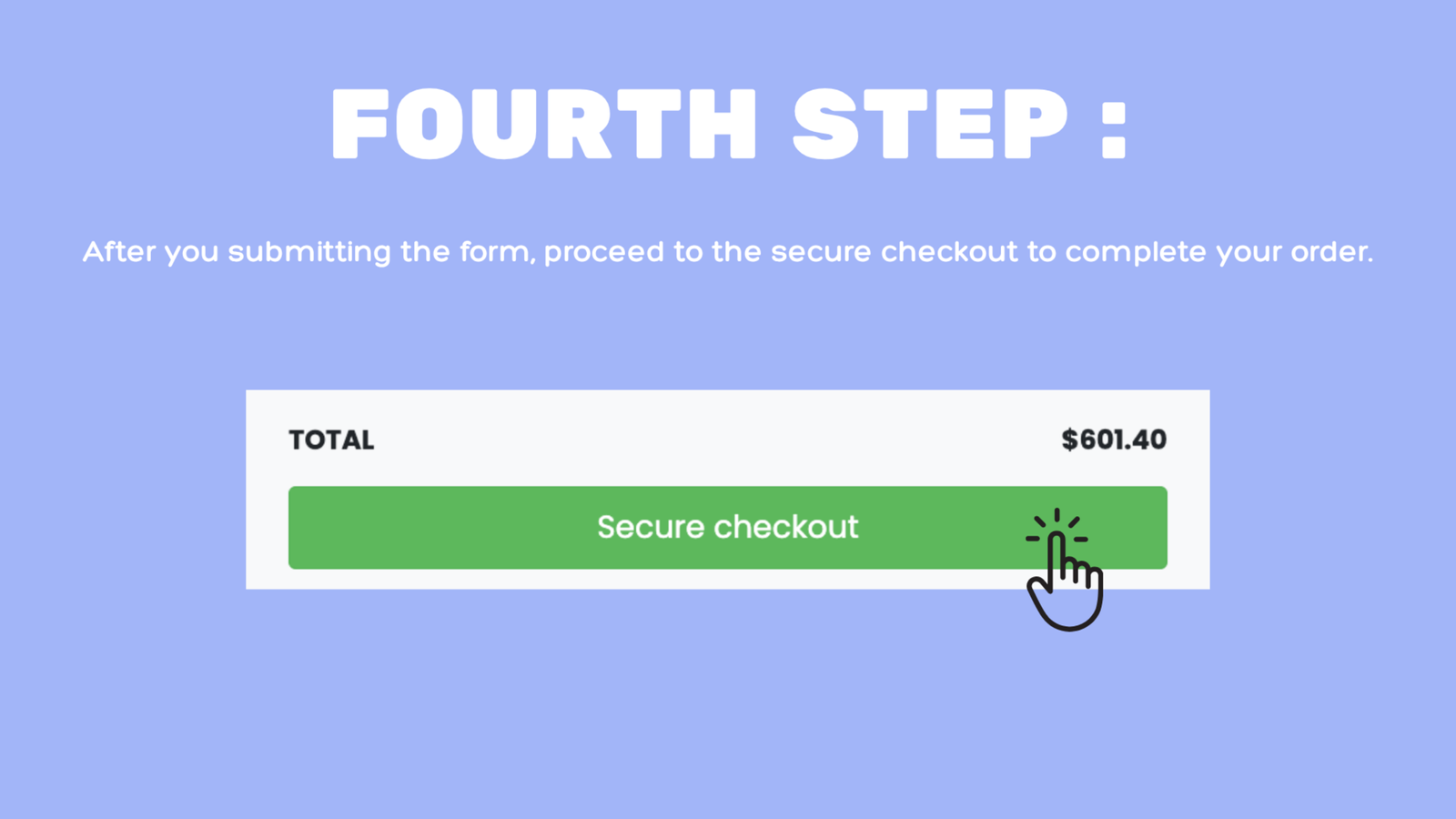
After submitting your insurance claim, continue to our secure checkout to finalize your order.
If you have a prescription for eyeglasses, the prescription information will typically include the following:
OD (Right Eye) stands for "oculus dexter", which is Latin for "right eye".
OS (Left Eye) stands for "oculus sinister", which is Latin for "left eye".
SPH (Sphere) indicates the lens power prescribed to correct nearsightedness or farsightedness.
CYL (Cylinder) indicates the amount of lens power for astigmatism.
Axis describes the lens meridian that contains no cylinder power to correct astigmatism.
Add indicates the added magnifying power applied to the bottom part of multifocal lenses.
| SPH (Sphere) | CYL (Cylinder) | Axis | Add | |
|---|---|---|---|---|
| OD Right Eye | 0.00 | 0.00 | None | -- |
| OS Left Eye | 0.00 | 0.00 | None | -- |
If any of this information isn’t included in your prescription, you can leave the field blank.
Not sure about something? Call our Customer Service experts on 1-866-414-2326

 All Contact Lenses
 Acuvue
 View All Brands
 (5).png)
 All Eyeglasses
 (4).png) Men's Eyeglasses
Men's Eyeglasses Women's Eyeglasses
 Kids' Eyeglasses
 Clearance
 Accessories
 (4).png)
 All Sunglasses
 (1).png)






 (6).png)